

Reach Lift Truck Personal Simulator
Simlog’s Reach Lift Truck Personal Simulator delivers realistic training for operating stand-up, narrow aisle reach trucks—specifically engineered to support OSHA Class 2 operator development. As modern warehouse facilities shift toward taller shelving and space-saving aisle layouts, simulation-based training ensures operators build confidence and competence without risk to equipment or personnel. This PC-based solution emphasizes safe operation of pantograph-style forks, high-level load placement, and navigation in tight warehouse conditions.
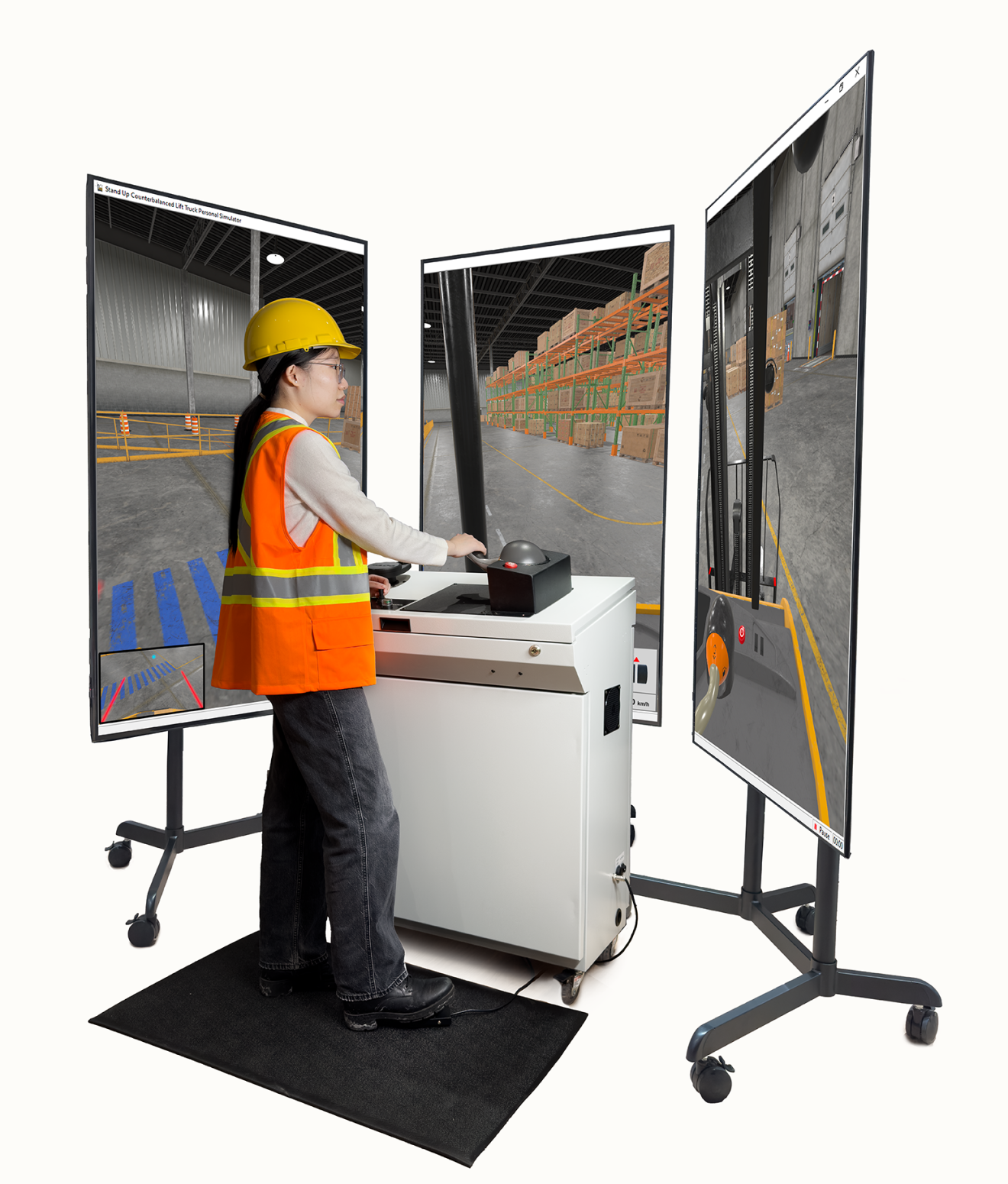
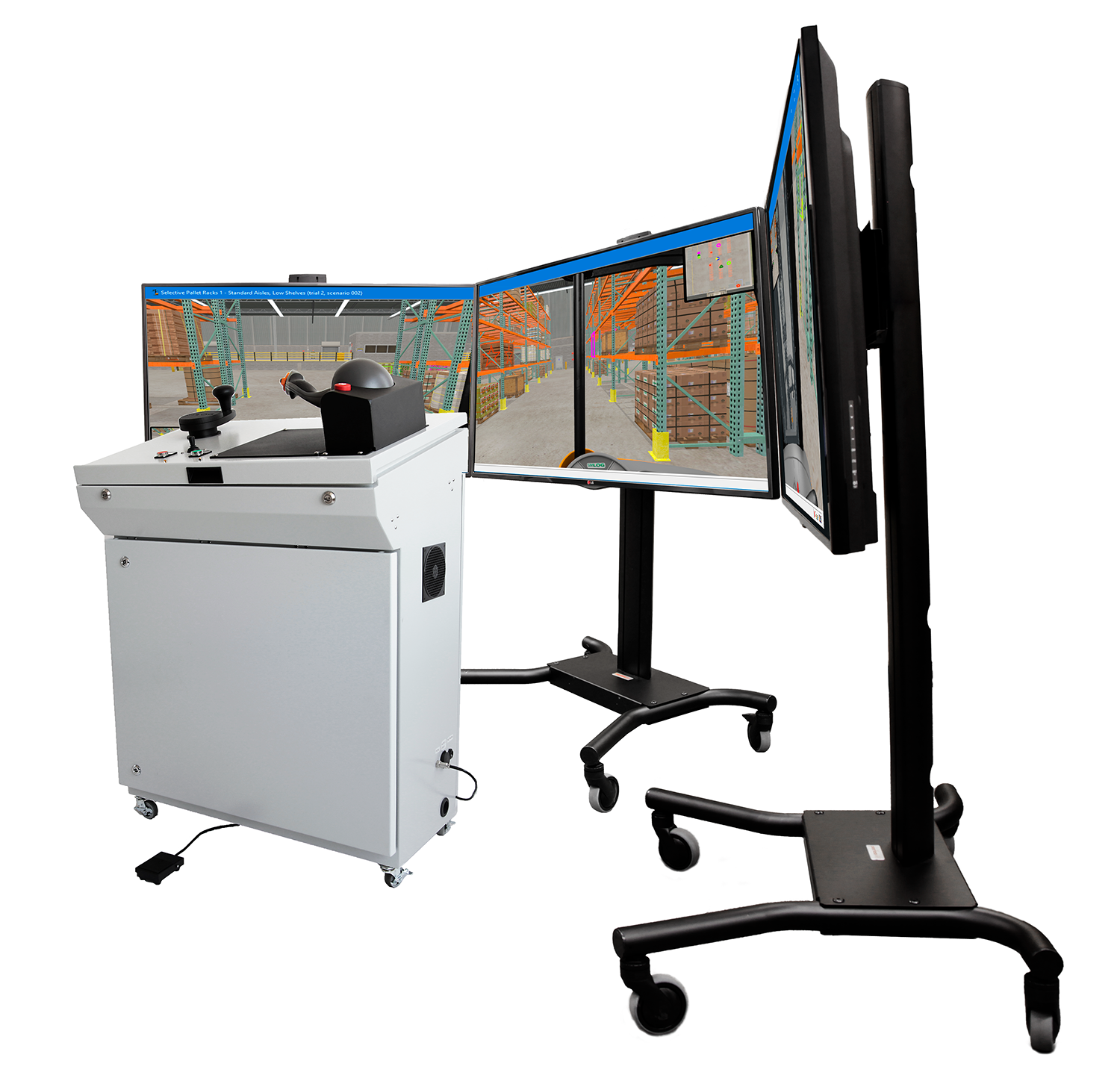
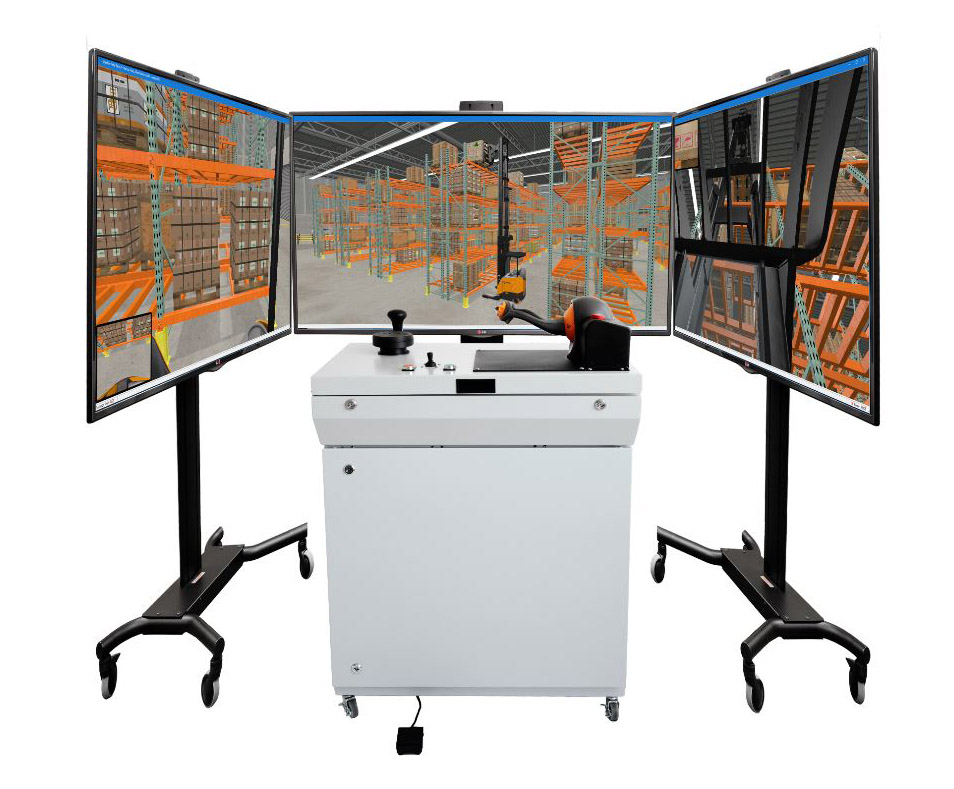
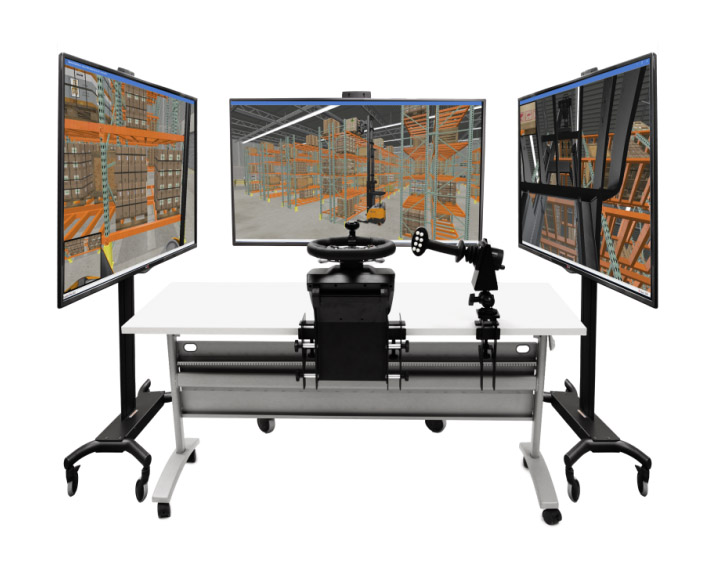
Users can replicate the visibility and posture of real-world operators using a three-display setup that mimics the side-stance views to the left, right, and front. A single-display configuration is also available where space is limited. You can use your own hardware or simplify deployment with Simlog’s pre-configured PC bundle. This simulator also complements the Stand-Up Counterbalanced Lift Truck and Forklift Personal Simulator for multi-platform training environments.
Key Commercial Features
- Seven simulation modules to build foundational to advanced skills
- 47 built-in performance indicators for real-time and post-session evaluation
- Simulated Forks Camera System for working with high-level racking
- Adjustable control configurations and joystick steering options
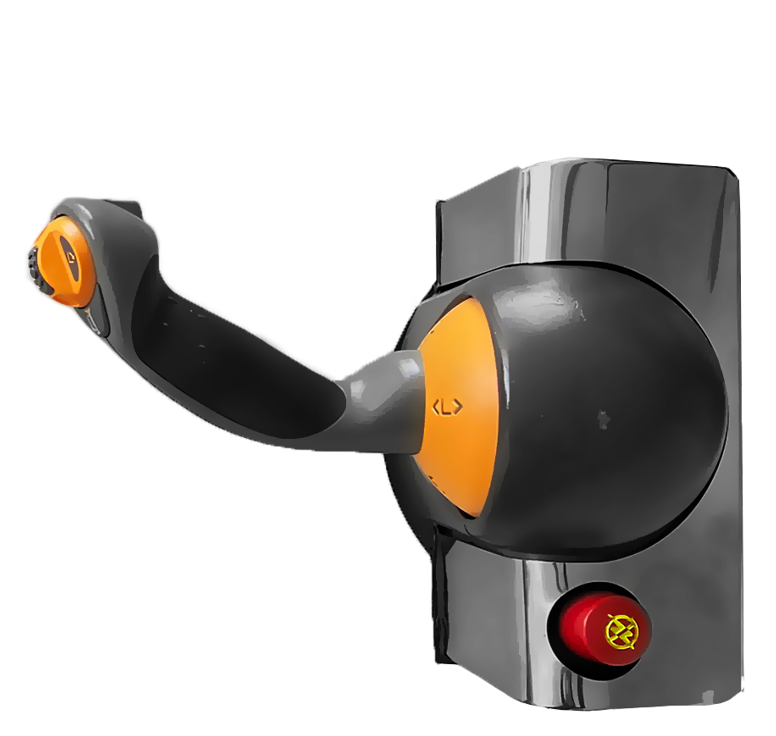
- OEM-style control handle and accurate steering tiller
- Integrated emergency stop and key-lock access for safety management
- Durable, stand-up industrial console with USB connectivity
Simulator Controls
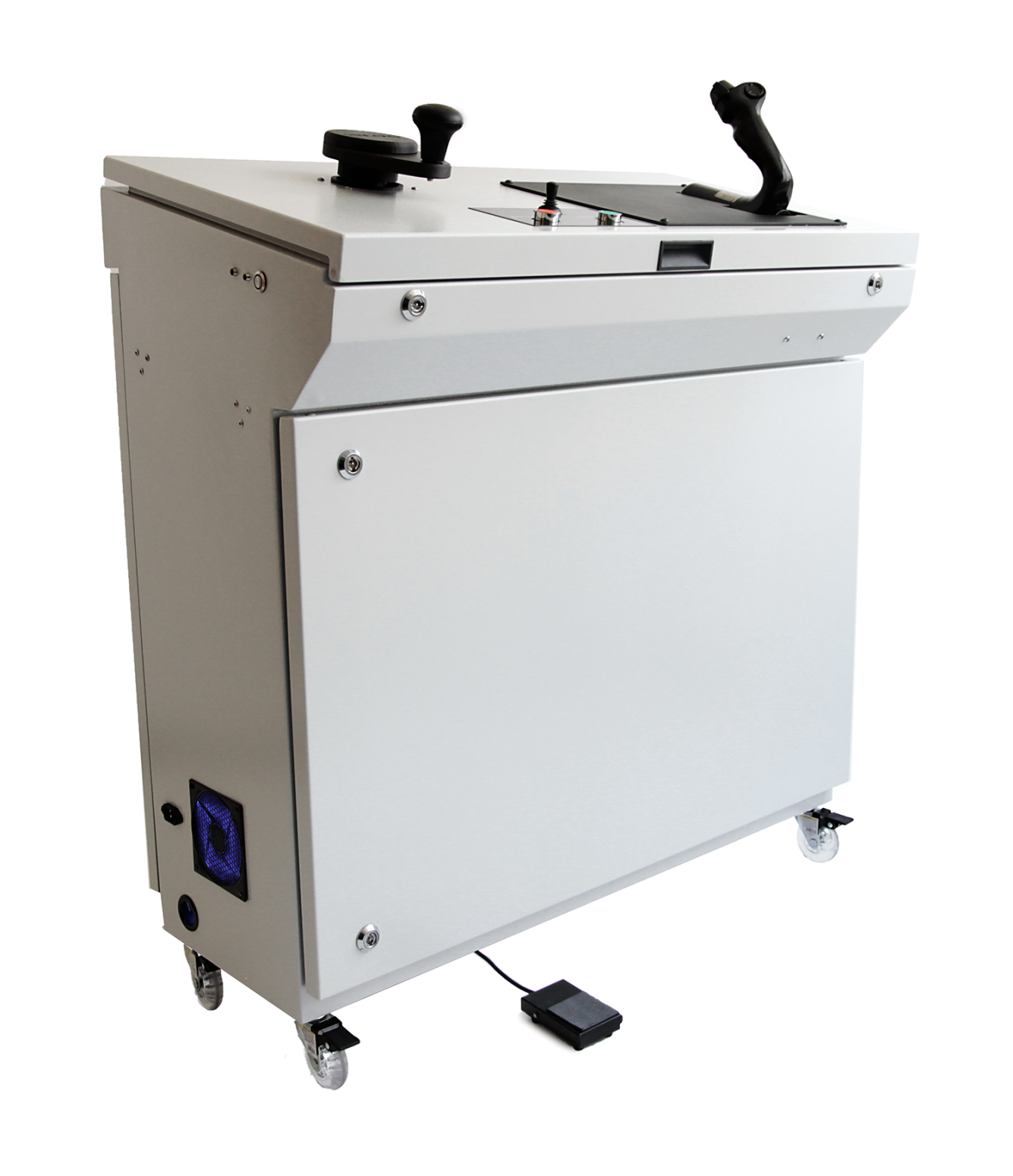
The Reach Lift Truck simulator’s control station is designed to mirror the feel and layout of real reach-fork trucks, giving learners a practical and intuitive training experience. The stand-up industrial console includes dual joysticks, adjustable support surfaces, and a USB-enabled seat platform. With these elements in place, trainees can focus on developing operator techniques that transfer seamlessly to the job floor—safely and efficiently.
Simlog’s USB-ready Industrial Controls provide a high-fidelity interface modeled after OEM standards, developed to meet the demand for realism and durability in a simulated training environment.
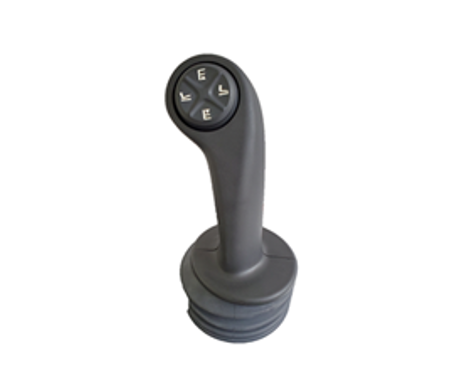
- OEM Control Handle – Choose from 3 models compatible with 7 major brands
- Precision Steering Tiller – Matches the tactile feel of real equipment controls
- Foot Brake Pedal – For braking and safety protocol training
Additional pushbuttons allow users to toggle simulation views, while a mini-joystick enables panning and tilting the camera. The industrial console includes casters for mobility and a key-lock for securing PC access. Everything arrives preassembled and ready to plug in. Need a full hardware solution? Simlog’s PC Bundle makes setup even easier.
Key Features
- Interchangeable OEM control handles
- Responsive tiller steering with real-world feel
- Dedicated brake pedal for realistic input
- Camera angle toggles and viewport panning
- Safety features including emergency stop and key-lock
Possible Setups:
Choose between two adaptable setups:
Specifications
- Console Dimensions: 19.5” D x 39” W x 46” H
- Weight: 110 lbs.
- Shipping Size: 24” D x 44” W x 54” H
- Shipping Weight: Approx. 150 lbs. (one unit per skid)
- Power: 120V/60Hz or 220–240V/50Hz
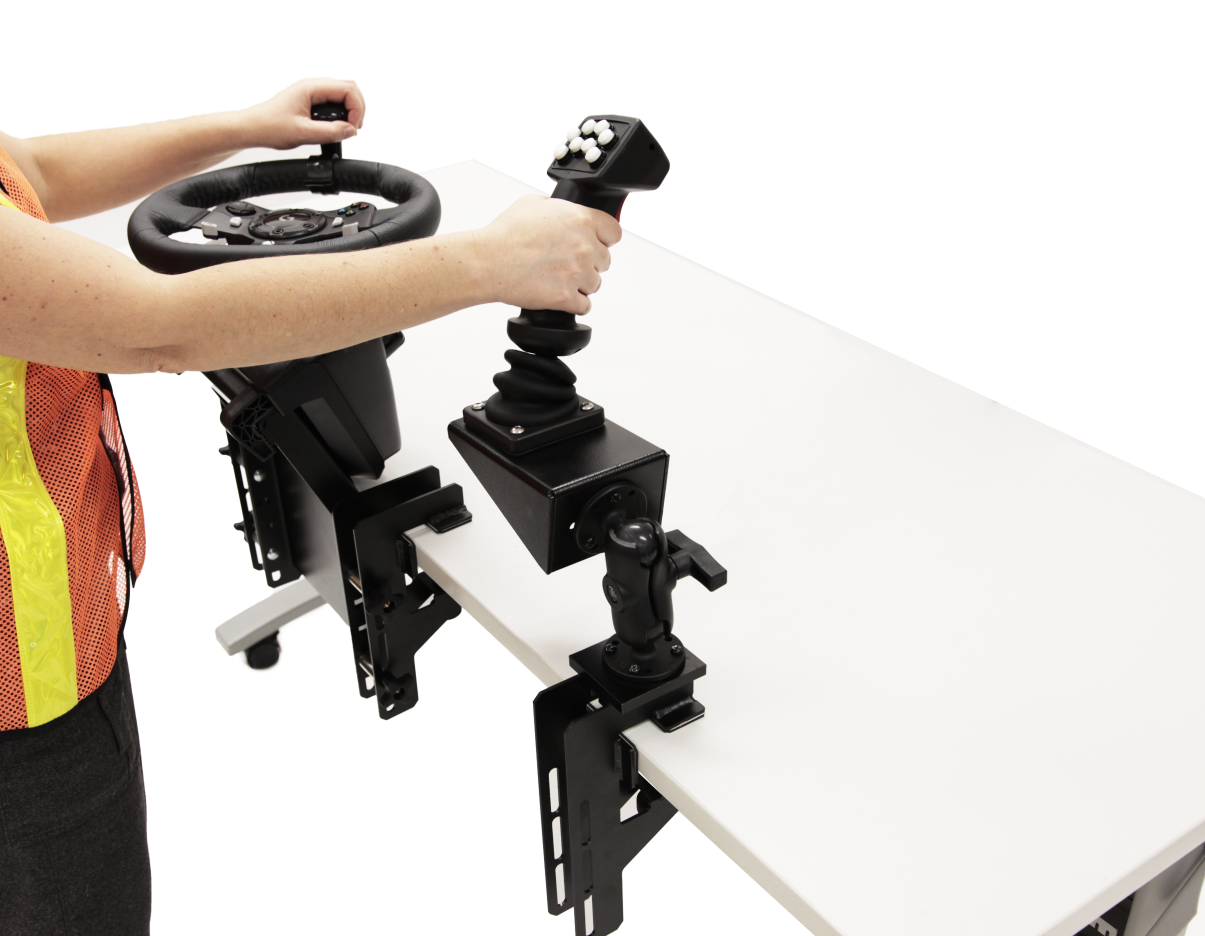
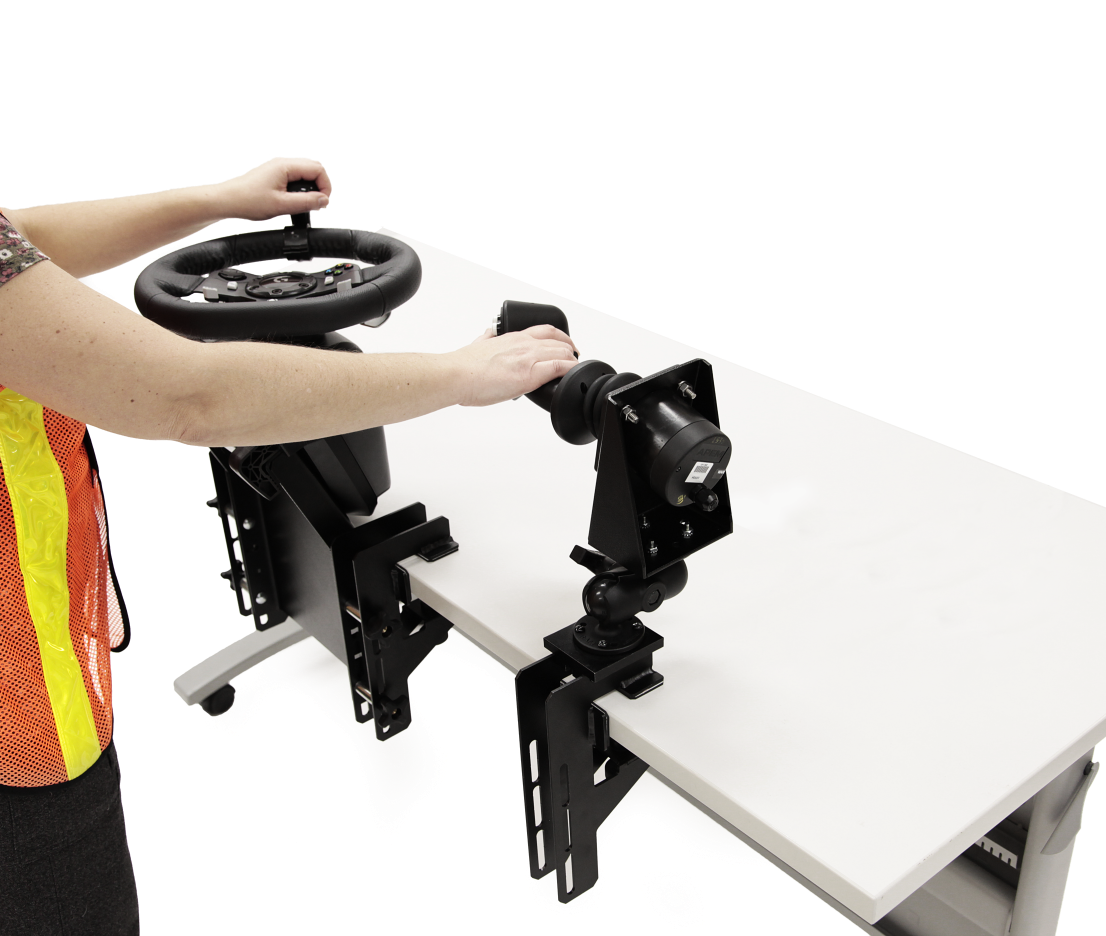
Replica Controls offer a portable and compact alternative, with commercial-grade input devices and mounting options designed for a standing operator position—just like the actual operator cab.
The left-hand controls feature a horizontally mounted USB steering wheel with an optional knob for single-handed operation. The right-hand control is a proportional USB joystick for controlling truck movement. It can be mounted horizontally or vertically, reflecting common real-world configurations.
Possible Setups
Custom Travel Cases for Replica Controls
Simlog’s custom-designed travel cases protect all components for easy transport and setup across training sites.
Key Features
- Form-fitted compartments for all control components
- Room for laptop, cables, and documentation
- Telescoping handle with adjustable positions
- Stackable design with caster wheels for mobility
Specifications
- Dimensions: 30″ L x 24″ W x 19″ H
- Weight: 50–100 lbs. depending on contents
Many training programs use both stand-up reach and stand-up counterbalanced lift trucks to prepare operators for dock work and narrow aisle storage. With Simlog, you can deploy both simulators using the same station for maximum training efficiency.
This shared configuration allows you to use one simulator console, PC, and display setup for both simulation environments, making it easy to switch between applications without additional hardware.
Software Description
The Reach Lift Truck simulation software features a full suite of customizable settings that let you tailor control behavior and visibility to match the functionality of specific reach truck models in the field.
Progressive learning through seven modules:
- Basic control orientation
- Slalom course (forward driving)
- Slalom course (reverse driving)
- Pallet rack – standard aisles, low shelves
- Pallet rack – standard aisles, mixed shelf heights
- Pallet rack – narrow aisles, low shelves
- Pallet rack – narrow aisles, mixed shelf heights
To support planning and spatial awareness, racking exercises include an “overhead map” showing the lift truck's location, load positions, and destination targets. Operators also have access to freeform demo environments for open-ended practice.
- Joystick positioning: horizontal or vertical
- Fork lift/lower: joystick axis or pushbutton-controlled
- Steering convention: front-facing or rear-facing (forward/reverse)
To enhance high-shelf operations, the simulation includes a built-in Forks Camera System—a digital view displayed during slow movement or when the truck is stopped. As in real-world systems, the camera feed disappears when the vehicle is moving quickly, reinforcing safe operation protocols.
Operators can change viewpoints during the simulation, toggling between cabin views and external perspectives. Multi-display setups provide a true-to-life side-stance experience, while external views assist with orientation and skill development.
Key Performance Indicators
Detailed feedback from 47 diagnostic performance indicators measures everything from task time and speed to load placement precision and collision events. Safety protocols are enforced with fatal error triggers for overturning, damaging the pantograph, or dropping a load.